
Overview
Project Planning & Dashboard Tool (Excel)
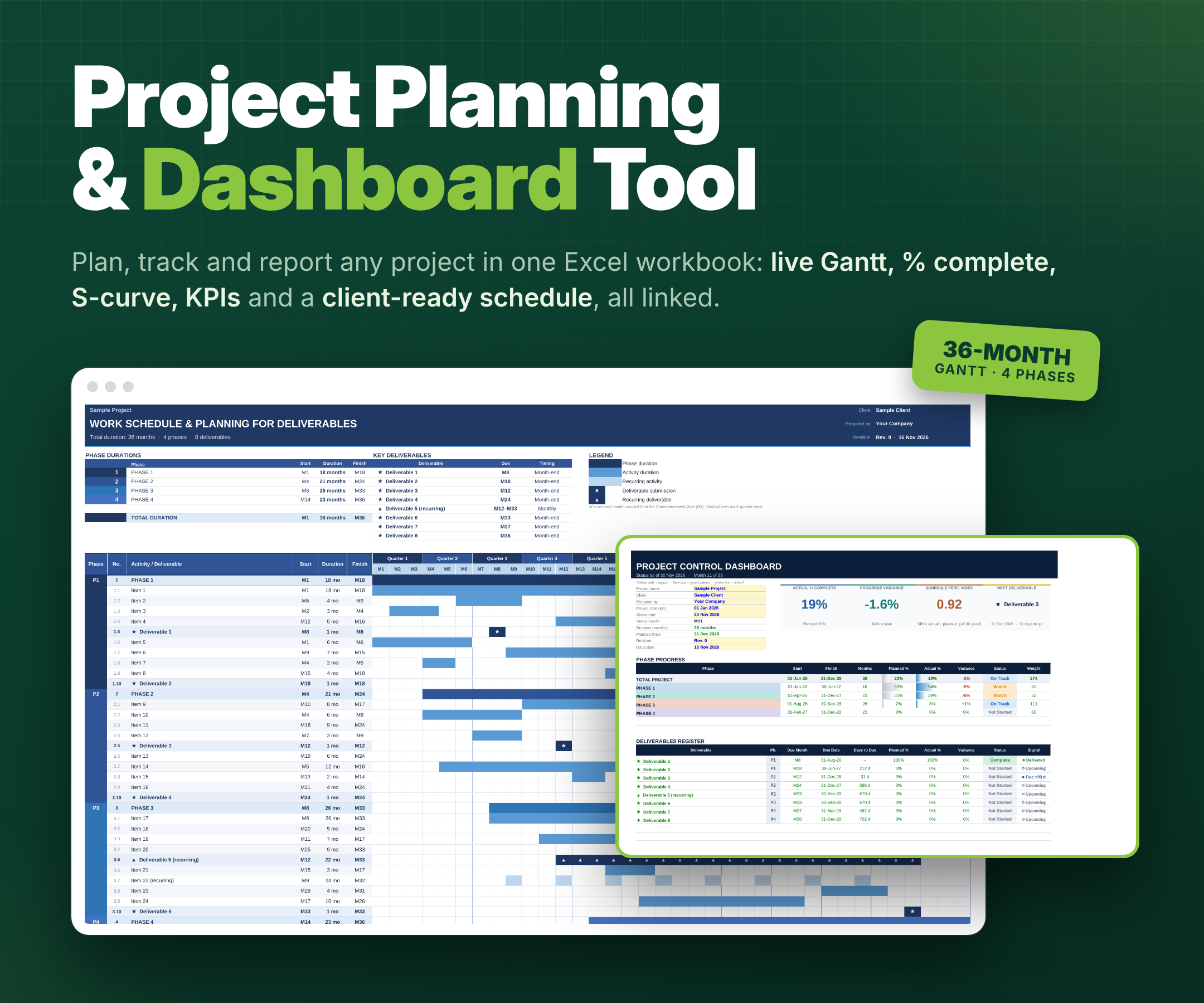
Plan, track and report any project in one Excel workbook: a live Gantt schedule, % complete tracking, a progress dashboard and a print-ready client schedule, all linked.
Built by a project manager for project managers, engineers and consultants who need a professional schedule without the cost and complexity of dedicated scheduling software.
Why this tool?
Most Excel Gantt templates only draw bars. This one controls your project. Enter start months, durations and % complete in one place, and every sheet updates automatically: dates, Gantt bars, phase totals, status flags, KPIs, charts and the client schedule.
What’s inside
1. Schedule (the working Gantt)
- 36-month Gantt timeline with up to 4 phases (expandable)
- Start month, duration, finish, start and finish dates calculated automatically
- Actual % complete column with progress shown inside each bar
- Automatic status: Complete, On Track, Watch, Behind, Overdue, Not Started
- Slipped work highlighted in red, with the current month marked on the timeline
- Deliverable milestones (★) and recurring items (monthly or quarterly)
- Lead/owner and remarks columns
2. Project Control Dashboard
- KPI tiles: Actual % Complete, Progress Variance, Schedule Performance Index (SPI) and Next Deliverable due
- Phase progress table with planned vs. actual chart
- Deliverables register with due dates, days remaining and early-warning signals
- Activity health summary
- S-curve: baseline vs. actual progress
3. Client Schedule (print-ready)
- Clean, blue colour-coded Gantt ready to send to your client
- Shows durations only, no internal progress data
- Phase durations and key deliverables summary
- Fits on one A3 landscape page, ready for PDF
4. User Guide
- Step-by-step instructions to set up and update your project in minutes
Key features
- ✅ Fully linked: change one cell and every sheet updates
- ✅ Add activities and deliverables; they appear on the dashboard and client view automatically
- ✅ Colour-coded inputs so you always know which cells to fill in
- ✅ No macros (VBA-free), so it’s safe to open and share
- ✅ Professional, print-ready layouts
- ✅ Sample project included, plus a blank version ready for your project
Who is it for?
Project managers · Engineering consultants · Owner’s engineers · Contractors · PMO teams · Construction, energy, infrastructure, IT and any phased project
What you get
- 📊 Project_Schedule_Control_Template_SAMPLE.xlsx: filled example project
- 📄 Project_Schedule_Control_Template_BLANK.xlsx: ready for your project
- 🖨️ PDF previews of the client schedule and dashboard
Curriculum
- 1 Section
- 1 Lesson
- 3 Hours
- Project Planning & Dashboard Tool (Excel)1 Item
Instructor

You May Like
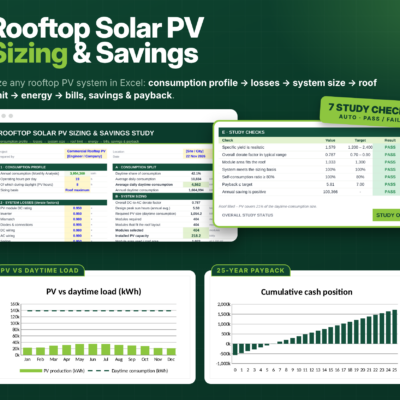
Rooftop Solar PV Sizing & Savings Study Tool
Professional Tool
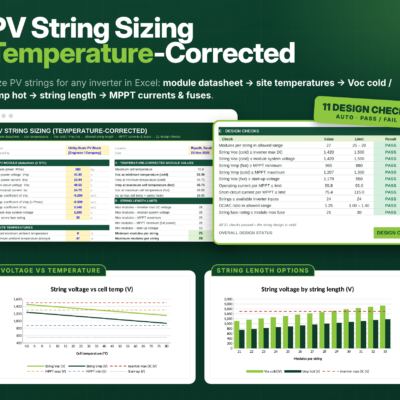
PV String Sizing Tool (Temperature-Corrected)
Professional Tool
Course Features
- Lecture 1
- Quiz 0
- Duration 3 hours
- Skill level All levels
- Language English
- Students 541
- Certificate No
- Assessments Yes